gemini
サーマルビジョンエフェクト
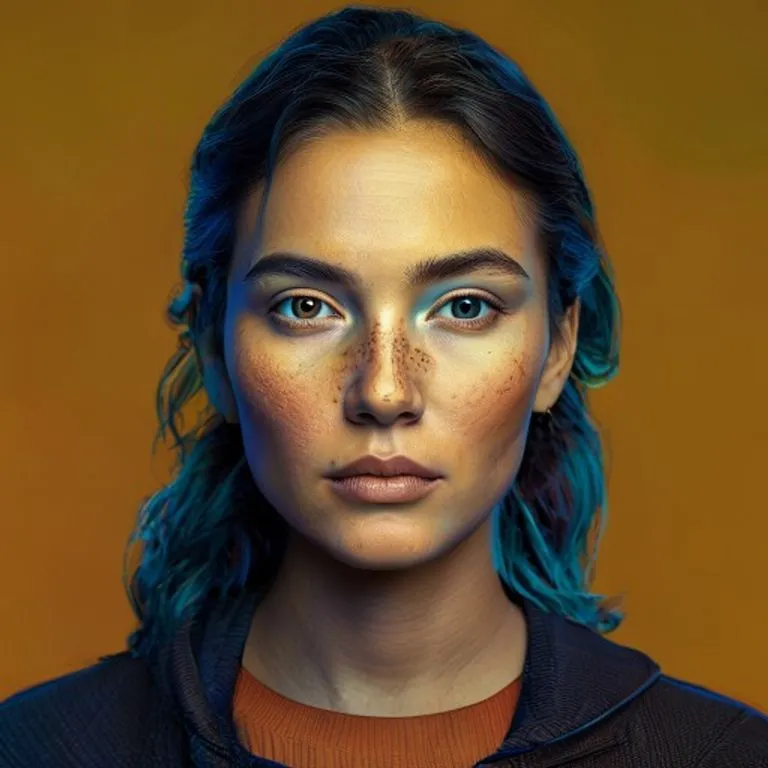
顔の特徴を保ちながら、写真をHUD付きのリアルな赤外線サーマル監視スキャンに変換します。
@heatvision2026年7月11日598 いいね87 コメント
Prompt
Transform the uploaded image into an AI-enhanced thermal infrared surveillance scan.

Preserve the original composition, camera angle, framing, number of people, body shapes, poses, clothing shapes, hairstyles, facial structure, and recognizable identities. The people must still clearly resemble the original subjects.

Create a stylized but believable thermal vision effect using false-color infrared mapping. Use the full thermal spectrum naturally: deep navy and dark blue for very cold areas, cobalt blue and cyan for cool surfaces, green for mild warmth, yellow and orange for warm body heat, red and small white-hot highlights only for the hottest areas.

Important: preserve facial identity through the thermal effect. Faces should not become featureless heat blobs. Keep recognizable eyes, eyebrows, nose shape, mouth shape, jawline, cheek structure, hairline, and expressions visible as thermal contours. The face should look like a thermal scan enhanced by AI facial recognition.

Thermal heat logic: exposed skin such as faces, hands, necks, ears, and ankles should be the hottest areas, glowing yellow, orange, red, with subtle white-hot highlights. Hair should be cooler than skin, mostly dark blue, purple, or deep red with warm edges near the scalp. Clothing should show body heat underneath but not be solid orange — thin shirts can glow yellow-orange near the torso, knees, elbows and folds; thick hoodies, jackets and shoes should appear cooler with blue, cyan, green and orange heat leakage. Buildings, pavement, sky, glass, trees and distant background stay mostly cold: deep navy, cobalt blue, cyan, dark purple. Windows, lights, engines and electronics may show small realistic yellow-orange heat signatures.

Make the image feel like a high-tech thermal surveillance camera with AI vision enhancement. Add soft thermal bloom around warm bodies, subtle heat bleed, infrared glow, sensor noise, scanlines, digital grain, mild compression artifacts, and slight machine-vision sharpening.

Add clean tactical HUD elements: thin corner frame lines, small targeting reticle, subtle detection boxes around each person, tiny temperature labels, compass markings, thermal scale bar, timestamp-style telemetry, and small scanner readouts. Keep HUD elements secondary and do not cover the faces.

Negative prompt: normal photographic color, true-color photo, featureless thermal faces, melted faces, identity loss, all-orange people, random rainbow filter, inaccurate heat mapping, cyberpunk neon, fantasy glow, anime, cartoon, CGI, plastic skin, changed identity, changed pose, changed clothing, changed background, extra people, missing people, distorted faces, unreadable faces, excessive HUD, text covering faces.
このプロンプトの使い方
「サーマルビジョンエフェクト」はgemini向けのすぐに使えるプロンプトです。目的や背景を追加すると、より適切な結果が得られます。
- 1プロンプトをコピーし、対象のAIツールに貼り付けます。
- 2プレースホルダーや一般的な内容を自分の情報に置き換えます。
- 3最初の結果を確認し、トーン、長さ、形式を調整します。
関連プロンプト
プラットフォーム、カテゴリ、タグが関連するプロンプトを探せます。
geminiGTA VIローディング画面エフェクト写真をGTA VI / Vice Cityのプロモアート風イラストに変換:太い輪郭線、セルシェーディング、鮮やかな色彩。geminiGTA Vゲーム内スクリーンショット写真をフィルターではなく、本物のGTA Vゲーム内3Dレンダーとしてポリゴンで完全再構築します。geminiLEGOミニフィグエフェクト写真の人物を本物のLEGOミニフィギュアに変換し、シーンをリアルなLEGOジオラマとして再構築します。gemini4Kエンハンスエフェクト何も変えずに写真をよりシャープで高精細・高品質に。圧縮画像のディテールも復元します。geminiマインクラフトワールドエフェクト人物はフォトリアルのまま、背景を忠実なマインクラフトのボクセル世界に再構築。ネームタグやゲームUIもオプションで追加可能。gemini手描きアニメエフェクト構図と顔立ちを保ったまま、写真を精細な手描きアニメスタイルに変換します。
#art#scifi#photo-edit